IT & System Engineering
NovaRMS
Digital Maintenance Management
Overview
NovaRMS is an in-house digital maintenance management application developed to streamline and modernise maintenance operations across the KK FIR Maintenance Contract. It replaces traditional paper-based procedures with a centralised digital platform, enabling engineers to perform, record, and manage routine maintenance activities directly through tablet devices.
The application also automates maintenance reporting and documentation, ensuring accurate records, improved operational efficiency, and consistent reporting in accordance with the Performance-Based Contract (PBC) requirements.
Key Features
Maintenance Overview Dashboard
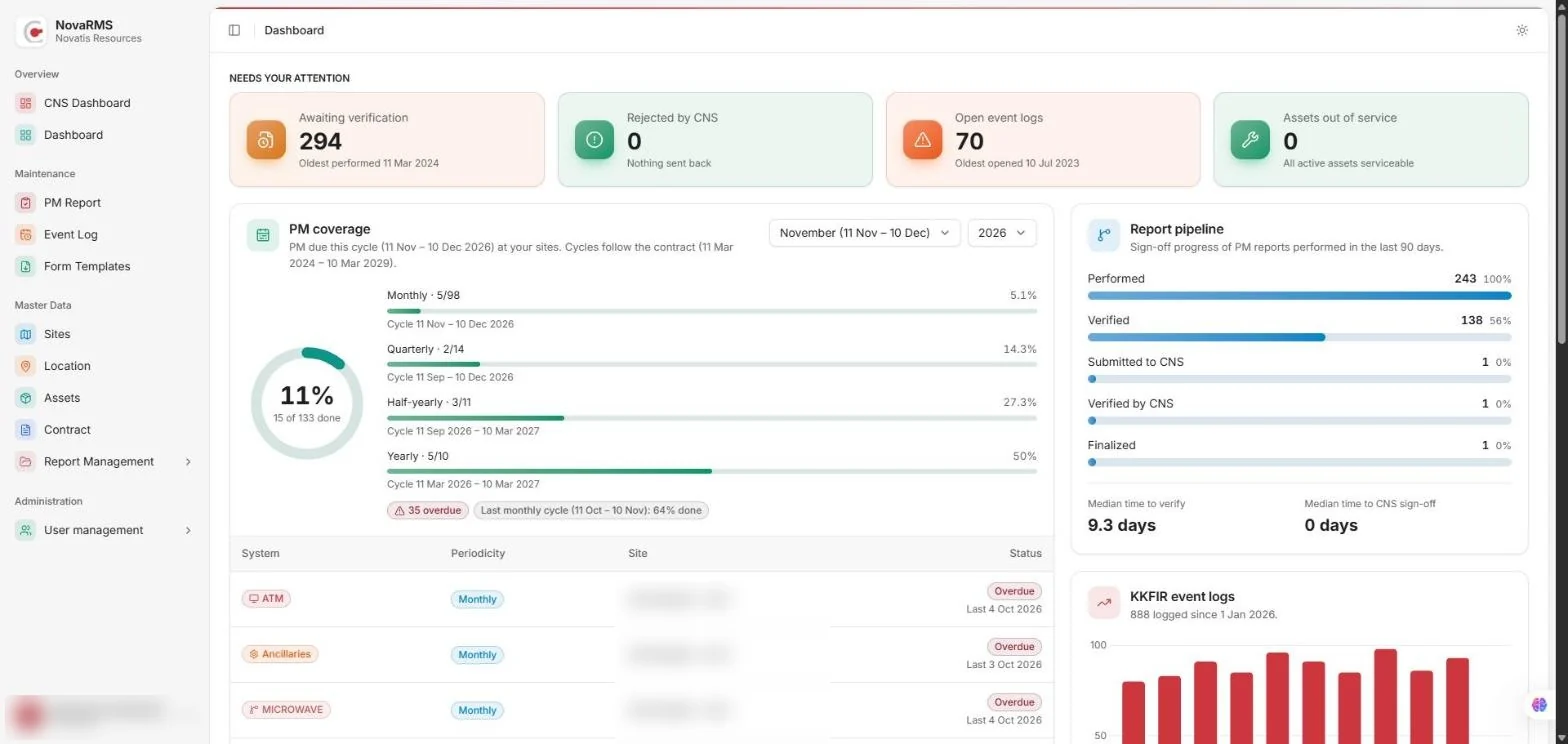
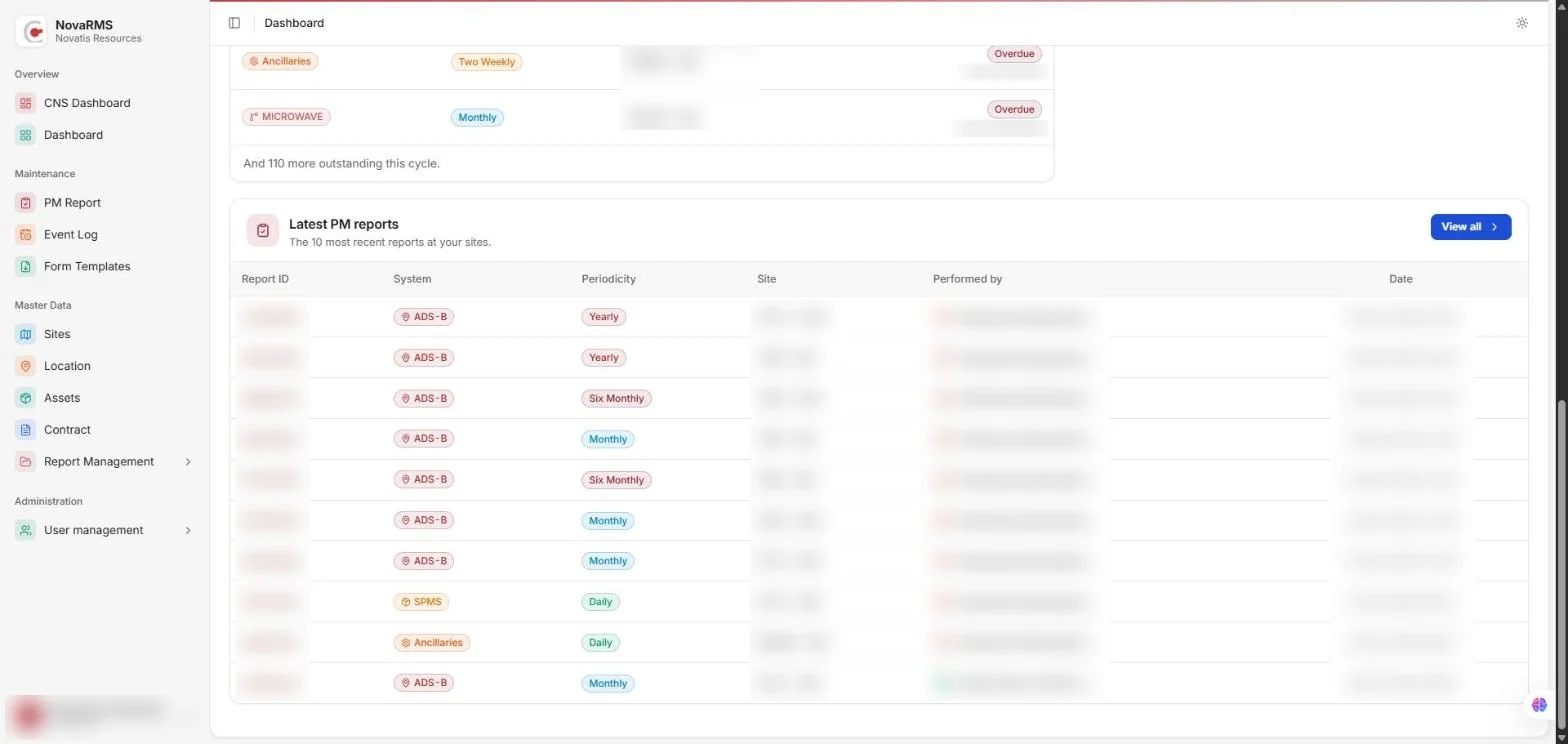
The dashboard gives supervisors a live picture of maintenance across every site. At the top, it highlights what needs attention right now: reports awaiting verification, reports rejected by CNS, open event logs and assets out of service. Below that, PM coverage shows how much of each monthly, quarterly, half-yearly and yearly cycle has been completed, alongside a report pipeline that follows every report from performed to verified, submitted to CNS and finalized, with median turnaround times. Overdue tasks are listed by system and site so nothing slips through, a monthly chart shows event log activity over the year, and the latest PM reports are always one click away.
Preventive Maintenance Reports
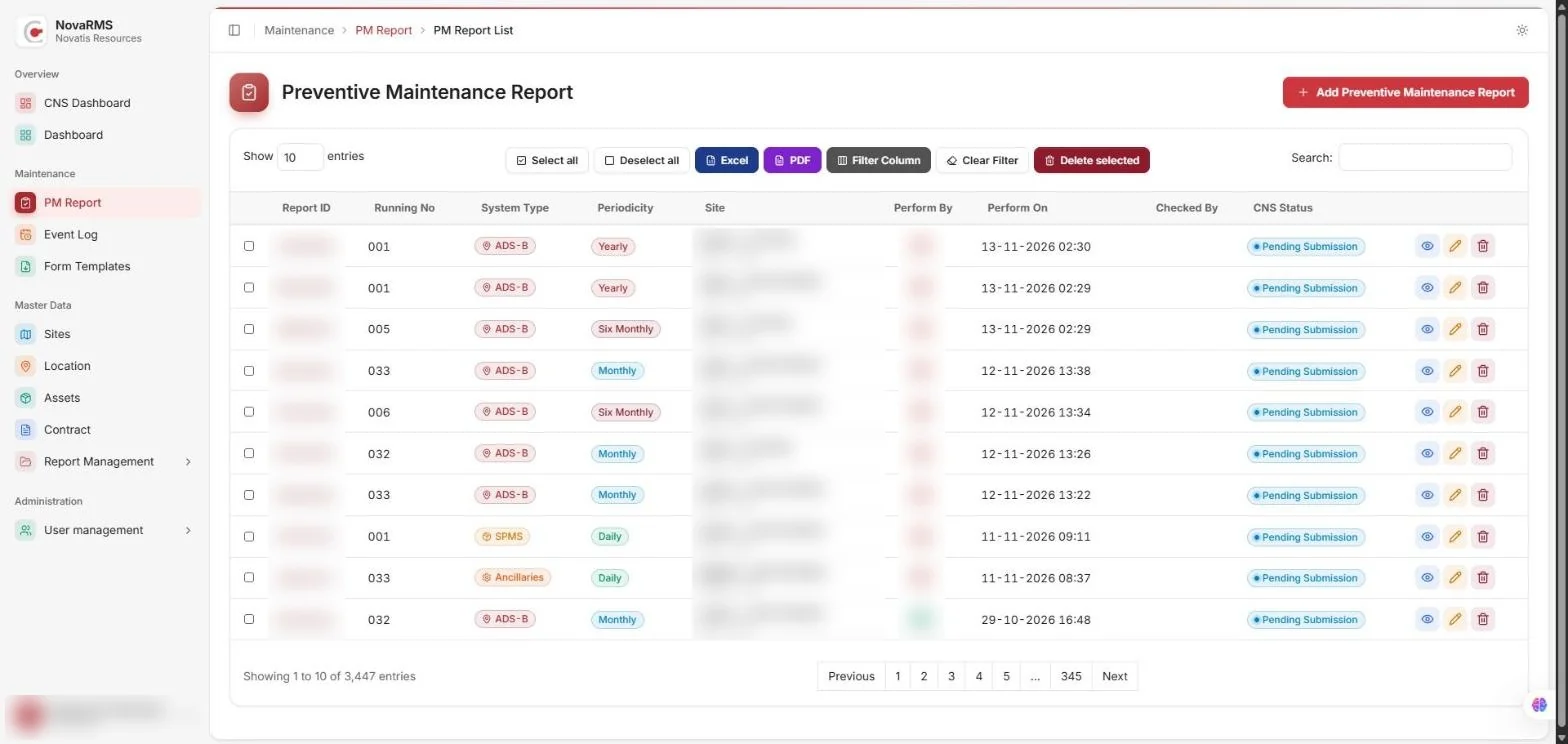
Record and manage preventive maintenance for every system (ATM, RADAR, ADS-B, Microwave, Ancillaries, SPMS) and site. Each report is tagged by periodicity, tracked through verification and CNS approval, and can be filtered, searched and exported to Excel or PDF.
Event Log
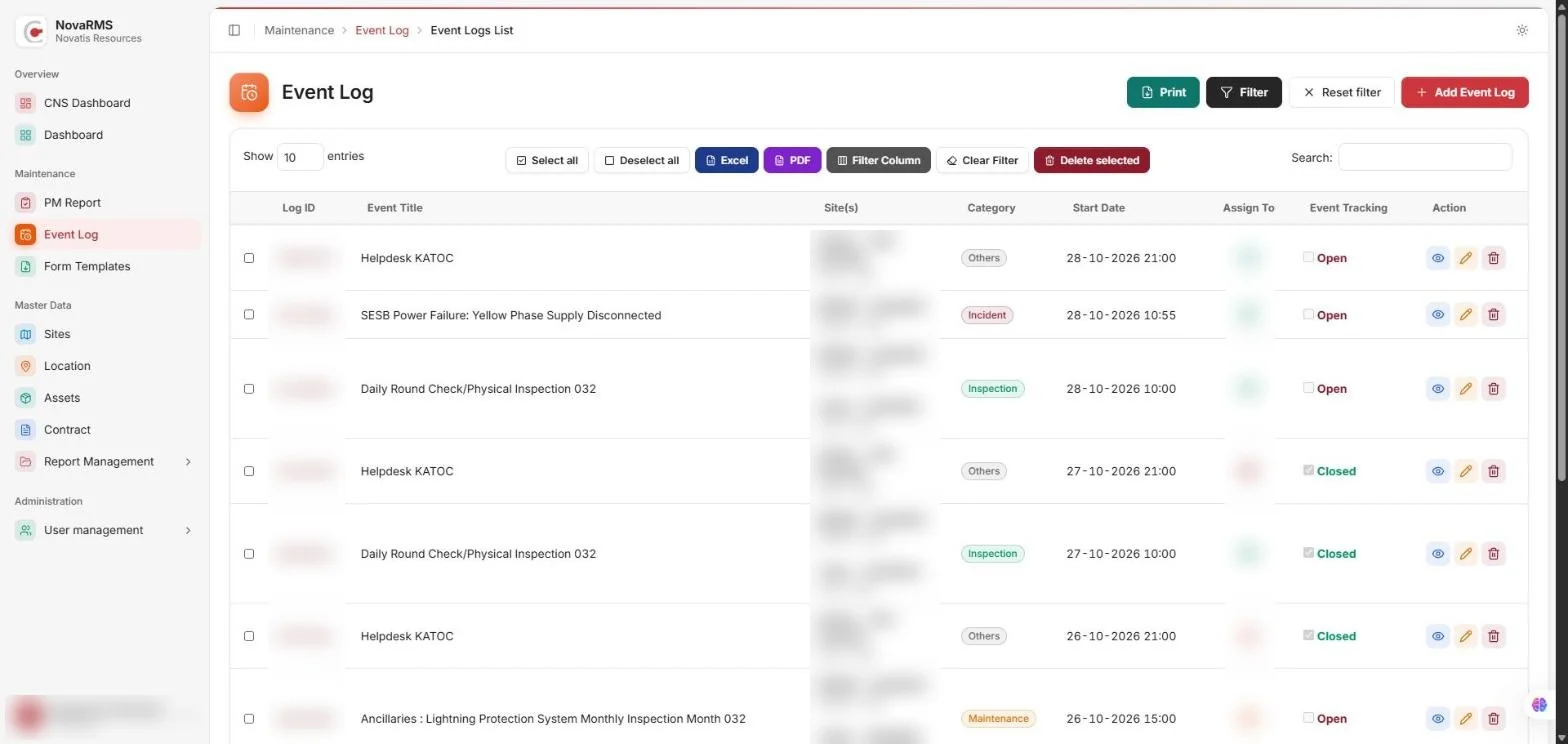
Log incidents, inspections, maintenance work and helpdesk calls across multiple sites. Assign each event to a technician, categorise it, and track it from open to closed, with printable and exportable records.
Asset Management
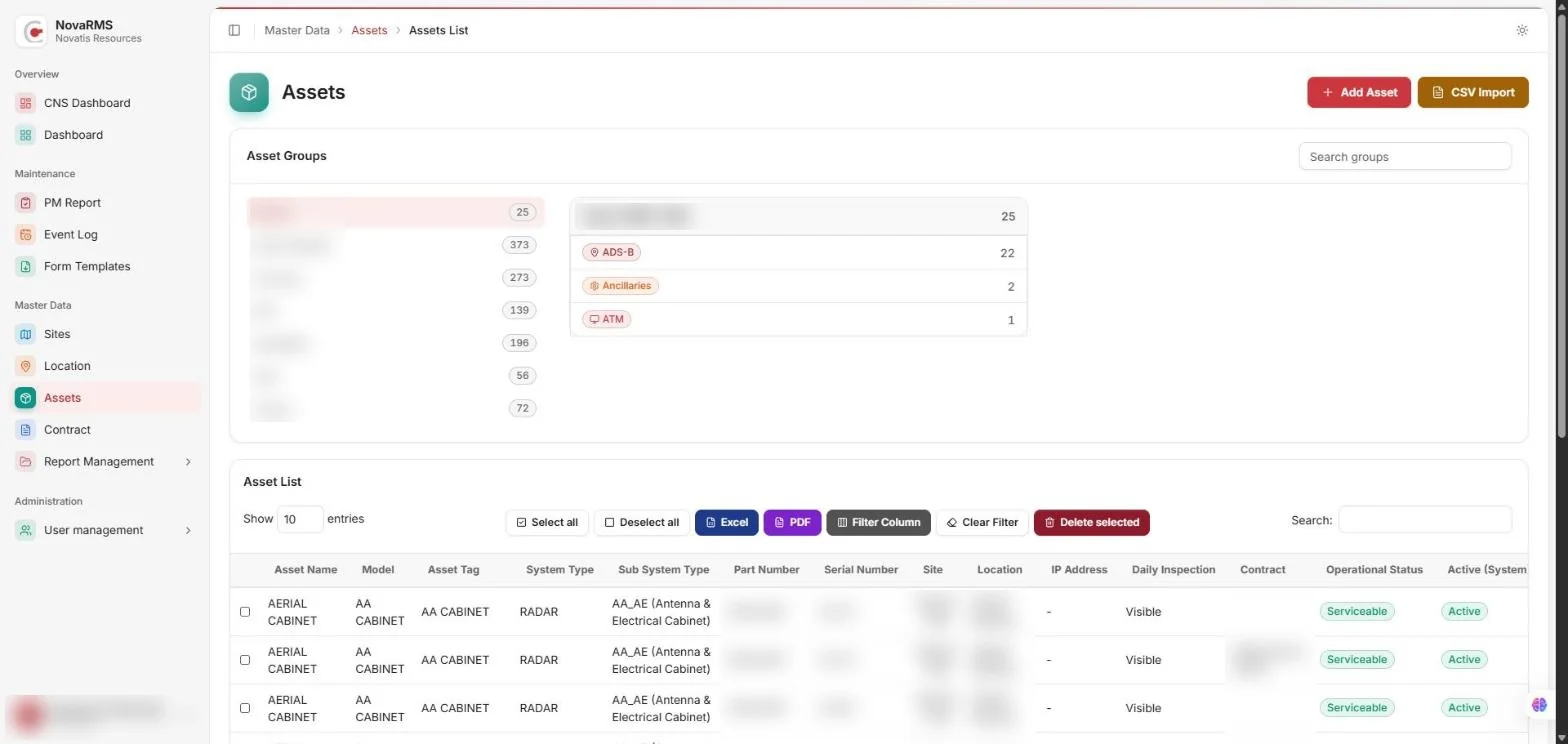
Keep a complete register of equipment grouped by site and system, with model, part and serial numbers, location, contract and operational status. Bulk-import assets from CSV and see at once which ones are serviceable.
CNS Verification Dashboard
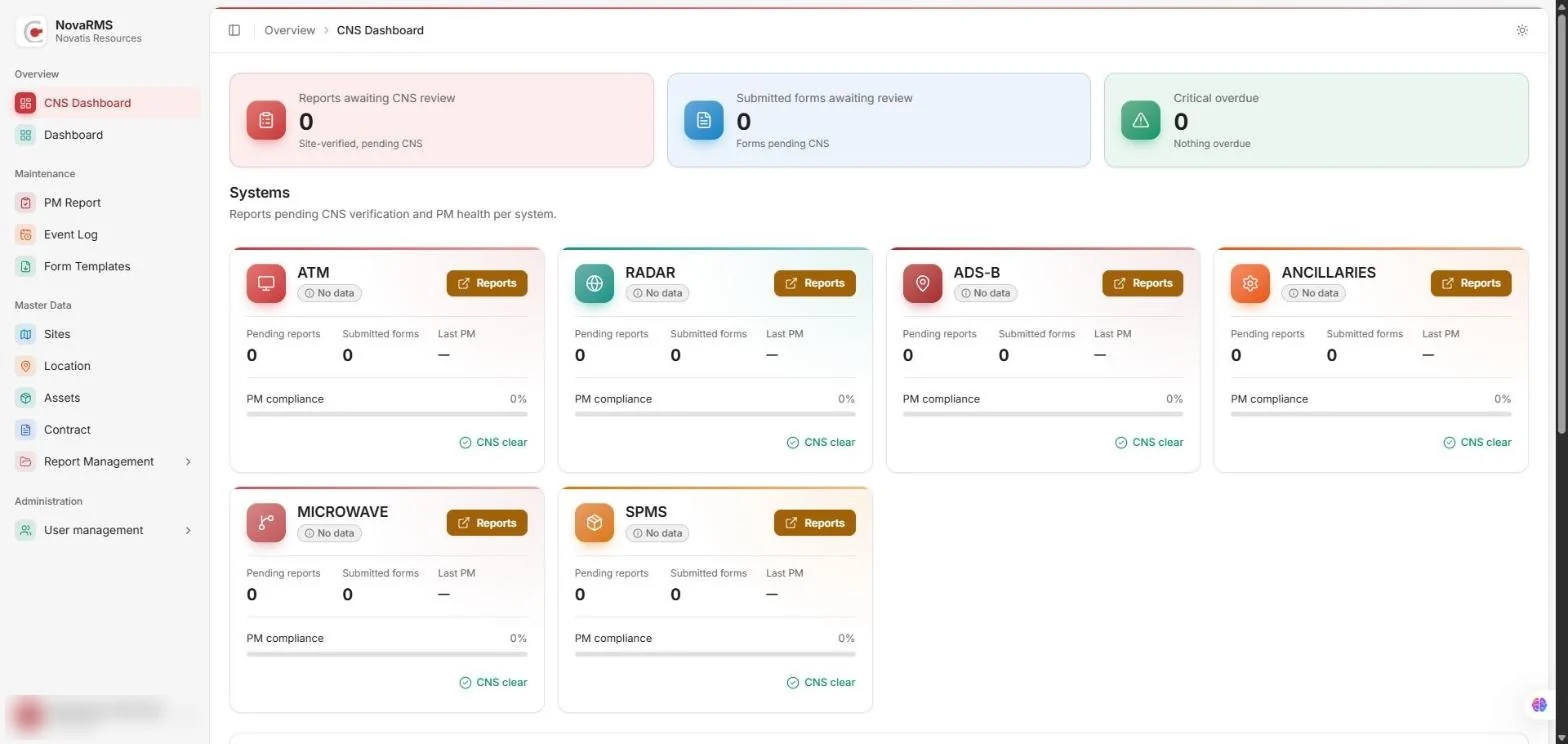
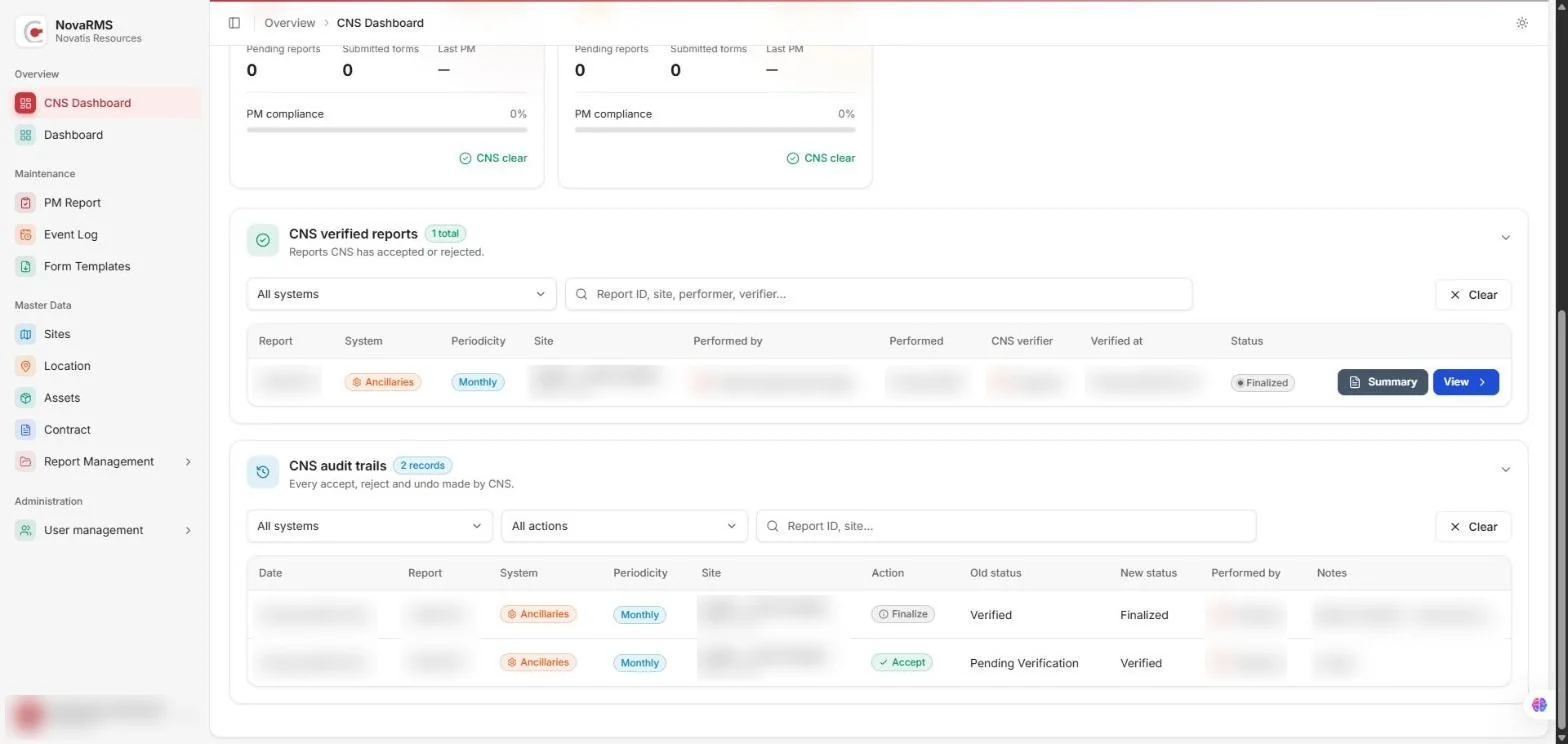
The CNS dashboard is where the CNS team reviews and signs off maintenance work. Each system has its own card showing pending reports, submitted forms, the last PM date and PM compliance, with a direct link to that system's reports. Further down, verified reports list who performed the work, who verified it and when, with a printable summary for each. A full audit trail records every accept, reject, finalise and undo action, so every decision can be traced.